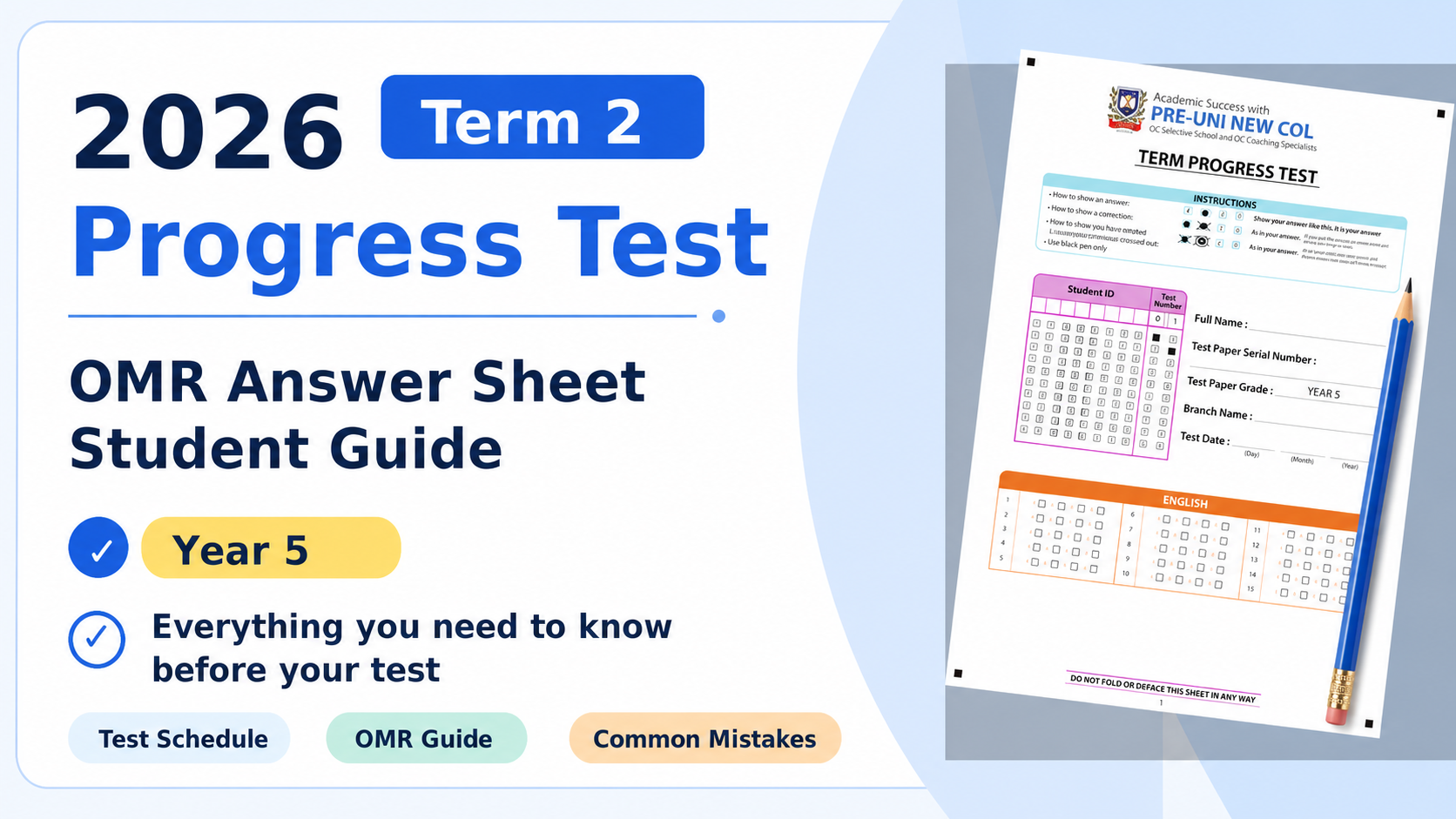
Everything Year 5 students need to know before the test: subject sections, timing, Writing Test information and OMR marking reminders.
2026 Term 2 — Week 7 · Year 5 WEMT
Paper tests are held during regular class sessions in Week 7. All questions are multiple-choice and answered on the OMR sheet.
Year 5 Writing is a separate online task completed at home through Cyberschool during Week 7.
Students who miss the Week 7 paper test may sit a make-up by this date — except for the Writing component.
Hard-copy Reports: Distribution will begin in Week 9 (13 June). Soft-copy Reports on Cyberschool: Available for download in Week 10 (20–26 June) through the ‘My Result’ menu. Test Review on Cyberschool: Available in Weeks 9–10 (13–26 June).
Number of questions and time allocated per subject for this year level.
| Subject | Questions | Time |
|---|---|---|
| English | 15 questions | 20 min |
| Maths | 15 questions | 15 min |
| Thinking Skills | 15 questions | 15 min |
Use the Year 5 version only. Check the page layout before the test starts.

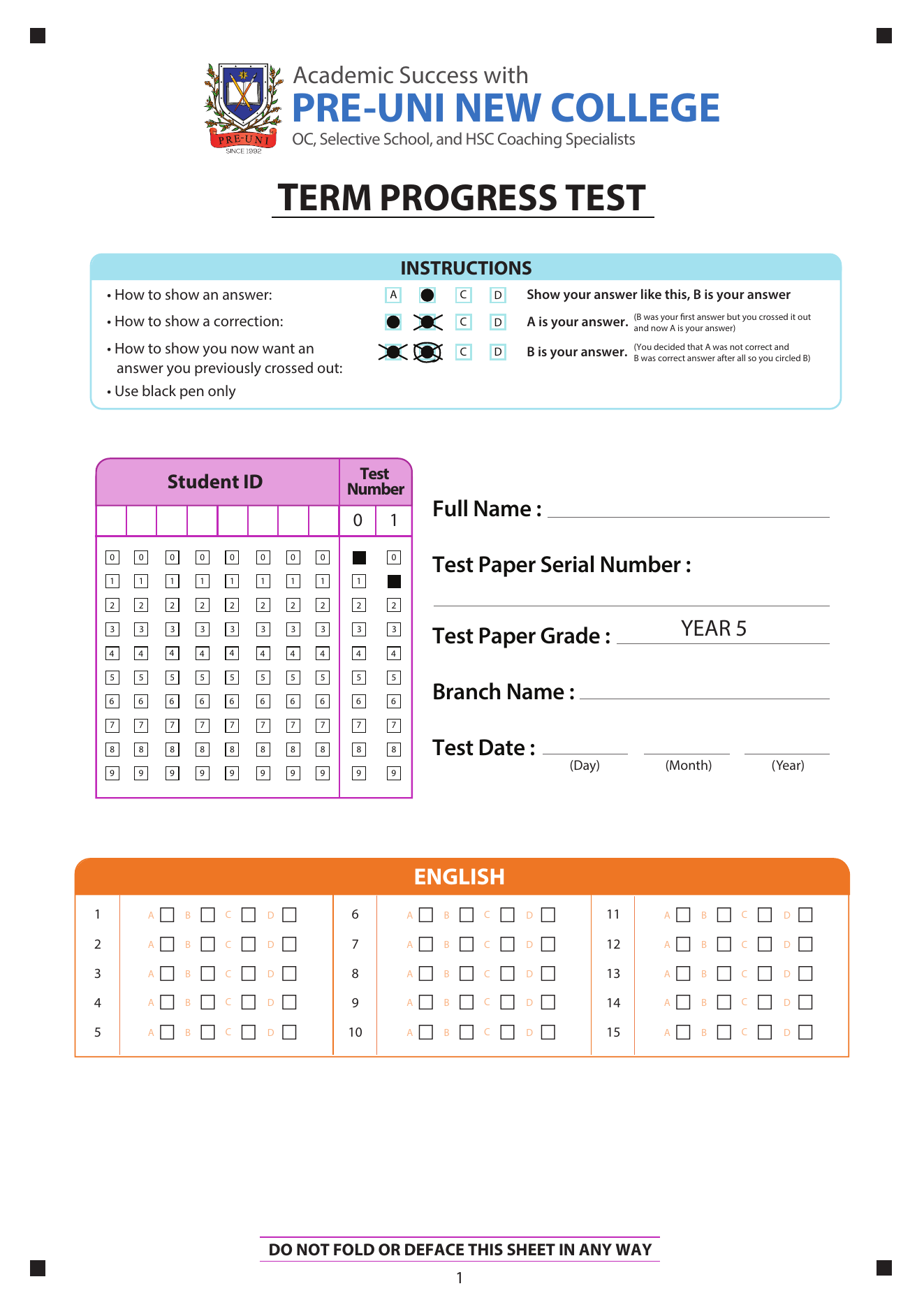
Student details and English 1–15

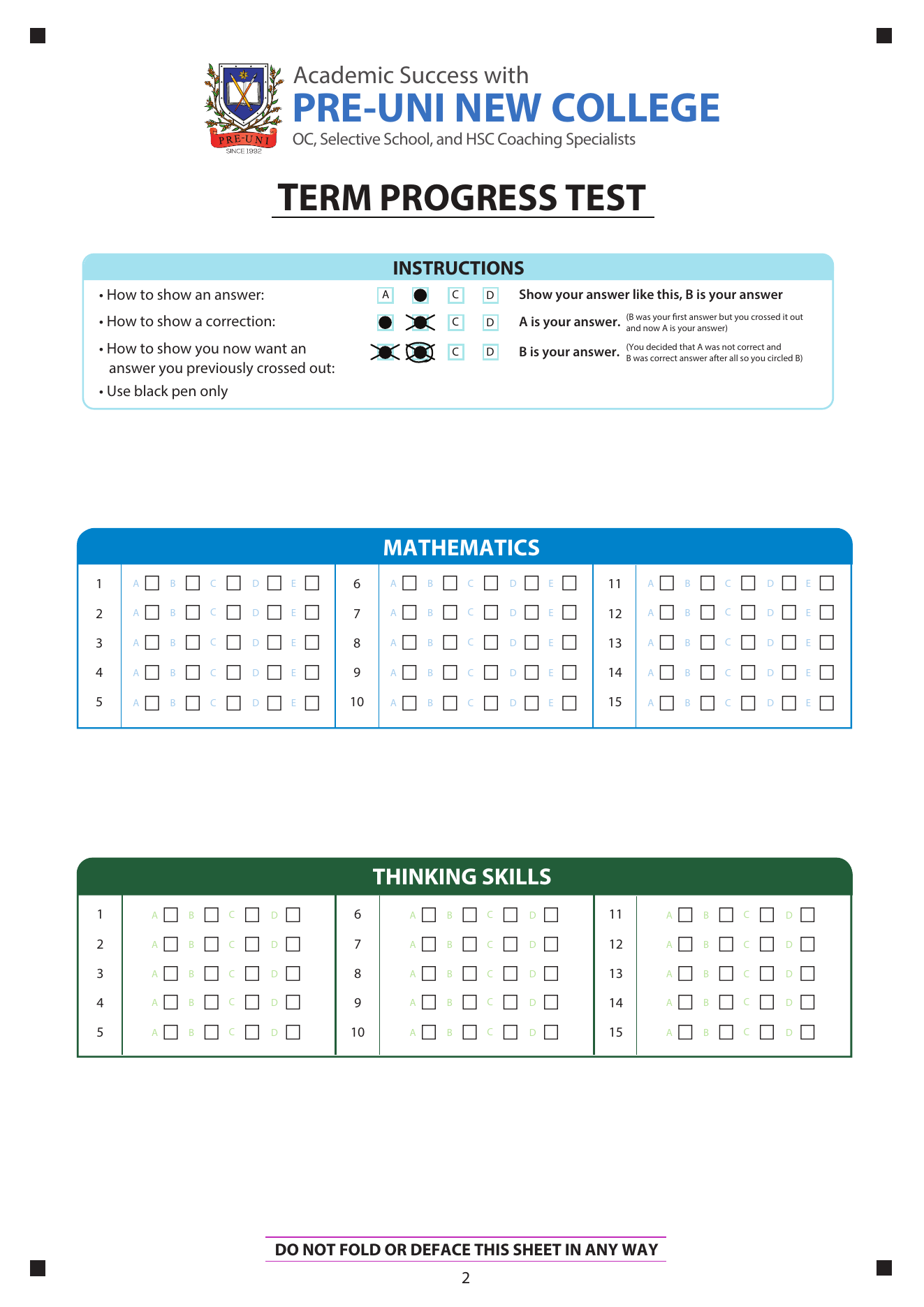
Maths 1–15 and Thinking Skills 1–15
Fill in all fields at the top of Page 1 before answering any questions.

Printed in the Instructions box at the top of your OMR sheet — follow every rule.
Your answer sheet states: Use black pen only. Pencil or coloured pens may not be detected correctly by the scanning machine.
Fill only one square in each question row. Two filled squares in the same row can make that question unreadable.
Before you mark, confirm that you are in the correct subject section for that question. This matters even more on multi-page answer sheets.
Based on the Instructions box printed at the top of your OMR sheet.
Look at the question number on your test booklet and find the matching row on the OMR sheet.
Your answer will be one of the printed options in that row. English and Thinking Skills sections often use A–D, while some Maths rows may use A–E.
Use your black pen to fill the square solidly. A faint or partial mark may not register.
Before the next question, confirm you are on the right row and that only one square is filled.
Three situations — exactly as printed in the Instructions box on your OMR sheet.

The most frequent errors students make — be aware of them before the test begins.
Your sheet cannot be identified without a Full Name at the top of Page 1.
These digits link your sheet to your student record. A blank column means your score may not be allocated.
A Maths answer in the English section will not count for Maths. Always read the section heading before marking.
Skipping a question and returning later makes it easy to slip a row. Confirm the row number every time.
Heavy scribbling can leave the machine uncertain about your intended answer. Cross out neatly and circle clearly.
A final scan of the full sheet takes under a minute and can catch slipped rows, blanks, and unclear marks.
You have reviewed everything needed to complete your OMR Answer Sheet correctly.
Key reminders